
A useful reception screen gives visitors a clear next step. Choose the message, position and owner before deciding how large or sophisticated the display needs to be.
Give the screen one clear job
A reception display can welcome visitors, direct them to a desk or show which meeting is in which room. Trying to do all of those while also showing news, weather and promotional video can make the important instruction hard to find.
Our suggested starting point is the first question a new visitor asks. Build the screen around the answer. In a small office that may be a simple direction to reception. In a shared building it may be a directory. Establish that purpose before choosing a template or buying a larger panel.
Place it in the visitor’s path
Stand at the entrance and follow the route to the reception desk. Check whether the proposed screen is visible before the visitor needs the information. A beautifully mounted display behind a seating area may be too late to help.
Assess daylight and reflections at the actual position. Avoid treating the whole reception as having one lighting condition: glazed doors, overhead lights and the viewing angle can change the result. Ask for a demonstration where uncertainty remains, especially if the display faces an entrance with strong daylight.
Choose size with real content
Use the longest destination name or typical meeting instruction in the sample layout. Check it from the intended viewing positions, including any seated waiting area. Leave room for the information to remain readable when the building is busy.
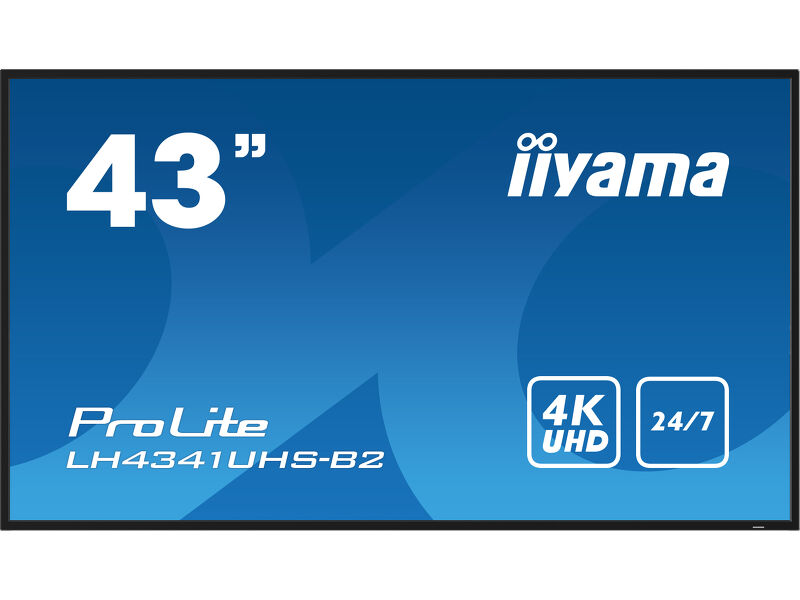
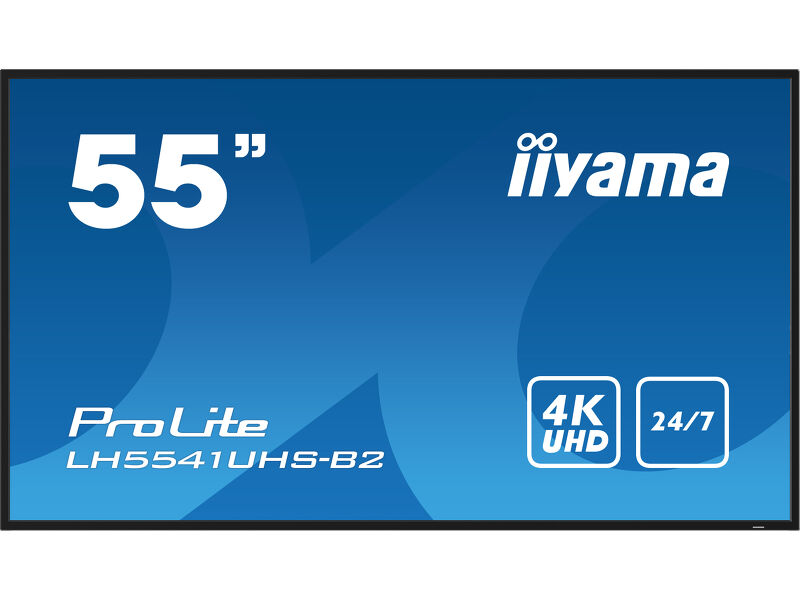
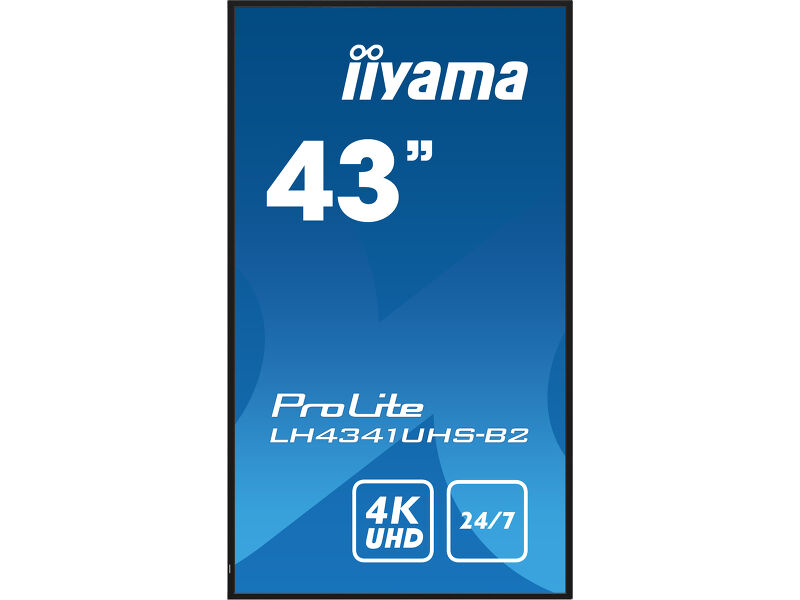
The 43-, 50- and 55-inch iiyama LH41 models offer a starting comparison for indoor positions. The selection should follow the cabinet space and the content, rather than the assumption that a reception always needs a 55-inch display. A narrower portrait directory is a different layout and requires a verified portrait playback plan.
43″ or 55″? Start with the viewing position.
 View on Amazon ↗
43″ · LH4341UHS-B2
 View on Amazon ↗
55″ · LH5541UHS-B2
Assign ownership of the information
Decide who updates the screen when a room changes, an event finishes or the receptionist is away. A stale welcome message can be more confusing than an unchanging sign. Keep a default message that remains useful when there is no special event.
A content-management platform can make scheduled changes easier, but only if the business has access to the account and understands the workflow. Yodeck, for example, describes remote content management for multiple industry settings. Evaluate the particular service and player you intend to use; this is not a recommendation that every reception needs a subscription.
Same display. A different content brief.
View on Amazon ↗43″ · LH4341UHS-B2
 View on Amazon ↗
43″ · Portrait installation
Finish with an operational check
Walk the arrival route with someone who has never visited the premises. Ask them to follow the displayed instruction without help. Then ask the future content owner to update it and restore the default. Those two exercises test the purpose of the installation more directly than a loop of attractive stock video.
Also establish who responds if the screen is blank. Record the intended input, restart process and supplier contact. Follow the installation guidance for the display and mount; provide access for maintenance without requiring the reception furniture to be dismantled.
- Keep the primary visitor instruction continuously easy to find.
- Confirm who owns content changes and account access.
- Check the chosen position at different times of day.
- Test the real arrival journey before signing off the setup.
Sources and review basis
Product facts come from the sources below. Application suggestions and buying checks are our editorial judgement. We have not carried out hands-on tests or measured these displays.