
Compare complete installed setups, not screen prices alone. Keep one-off purchases, recurring charges and staff effort visible, and use current quotes with a consistent VAT basis.
Start with a small bill of materials
List the display, mounting hardware, player, cables, power provision and installation work. Add delivery or access requirements that apply to the premises. A wall-mounted menu board is a different budget from a display placed on an existing suitable stand.
Our recommendation is to give each supplier the same brief and ask what is included. Do not assume that a mount, media player or installation service is bundled because a product photograph shows a finished setup. Record any items the business must supply itself.
43″ or 55″? Start with the viewing position.
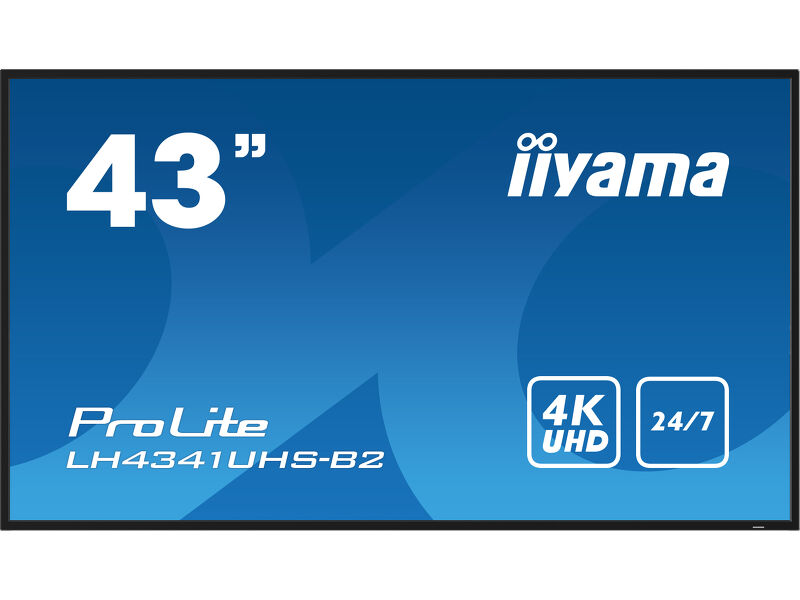 View on Amazon ↗
43″ · LH4341UHS-B2
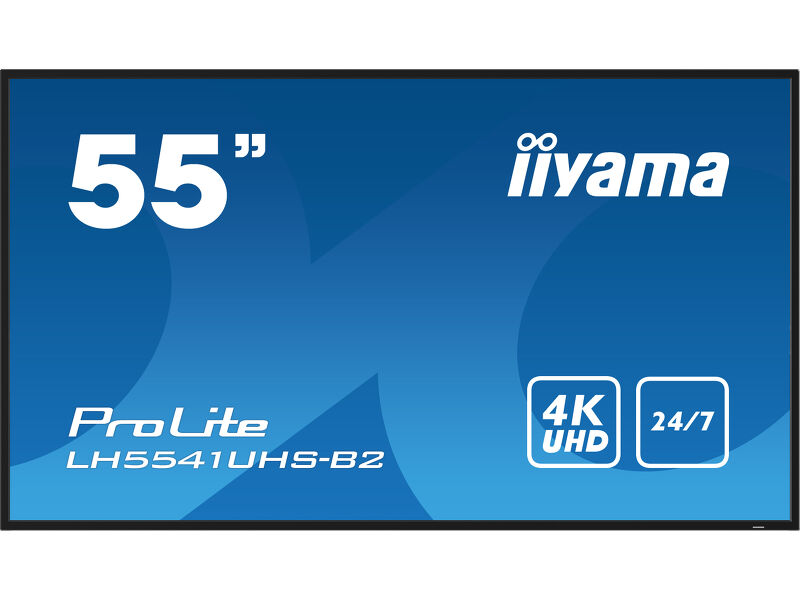 View on Amazon ↗
55″ · LH5541UHS-B2
Keep recurring costs separate
A content-management service can introduce a recurring per-screen charge, depending on the service and plan. Yodeck, for example, publishes plans for managing signage. Check the current plan features, billing commitment, player eligibility and cancellation terms rather than relying on an old monthly price in a review.
You may decide a subscription is unnecessary for a simple unchanged message. Alternatively, frequent menu changes may justify remote management. Compare those workflows with the time required to update content manually. Do not label staff time as free merely because it does not appear on the supplier invoice.
Calculate energy using stated assumptions
For budgeting, electricity in kWh is power in watts divided by 1,000, multiplied by operating hours. An illustrative 100 W setup running for 12 hours uses 1.2 kWh per day. At an assumed £0.25 per kWh that is £0.30 per day, or £109.50 for 365 days. This is an arithmetic example, not a current tariff quote or a measurement of an iiyama screen.
Replace both assumptions with figures relevant to your installation. Include the player and any other equipment, and distinguish typical power from maximum power. Screen brightness, content and settings can affect actual consumption, so an operating measurement is more useful when one is available.
Allow for upkeep and recovery
Include the work needed to keep content accurate, access the player and deal with a failed component. Decide whether someone on site can follow a restart routine and whether spare equipment is justified. The answer depends on how disruptive a blank screen would be to that business.
The manufacturer’s operating-hours rating should not be converted into a guaranteed replacement interval. We do not assume a fixed lifespan or promise savings over a TV. Use the available warranty terms and your own tolerance for interruption when considering support options.
The panel is one line in the budget.
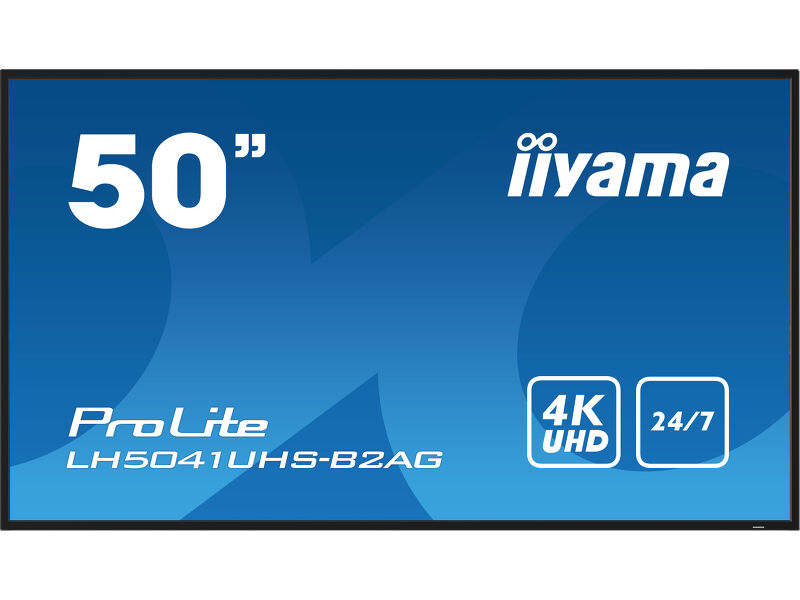 View on Amazon ↗
50″ · LH5041UHS-B2AG
Compare offers on one basis
Use a consistent VAT basis, currency and time period. Check whether delivery is included and whether an installation quote covers the actual wall, access and cable route. Where a product is sold through Amazon, confirm the exact seller offer and model suffix at the time of purchase.
A useful first-year comparison is the one-off setup cost plus twelve months of committed recurring charges and the estimated running cost. Keep uncertain items visible instead of hiding them inside a precise total. If you cannot yet price installation, record that as an outstanding quote.
- Screen and required accessories.
- Mounting, cabling, delivery and installation.
- Player, software and subscription commitment.
- Energy assumptions and operating schedule.
- Content ownership, support and recovery arrangements.
Our buying judgement
For a first screen, favour a setup that the business understands and can maintain. The cheapest display is not automatically the lowest-cost installation, and the most feature-rich model is not automatically the most useful. A complete, comparable budget makes the choice easier to explain and harder to regret.
Sources and review basis
Product facts come from the sources below. Application suggestions and buying checks are our editorial judgement. We have not carried out hands-on tests or measured these displays.