
Prepare a realistic menu first, then choose a screen and player that make it readable from the ordering position. Include installation and content updates in the decision.
Make an ordinary-day menu
Begin with the menu you actually need to show. Include the long product names, price variations and availability changes that occur in normal trading. A promotional image with three short words tells you very little about whether your full menu will work.
Our recommendation is to keep the most frequently ordered items easy to find and avoid filling every corner. Ask someone unfamiliar with the layout to locate an item and its price. If they need to stand directly beneath the proposed screen or wait through a long animation, change the design before increasing the hardware budget.
Check the ordering position
Visit the proposed position during a busy period. Note where the queue forms, whether people view from the side and whether daylight or fittings create reflections. A location that looks convenient from behind the counter may be awkward for customers.
Do not rely on a universal inches-per-metre formula. The size of the text, amount of information and viewing angle all matter. Compare the same content at different physical sizes and from the furthest position where a customer needs to read it. This is a buying exercise rather than a promise of compliance with any accessibility standard.
How much menu needs to fit?
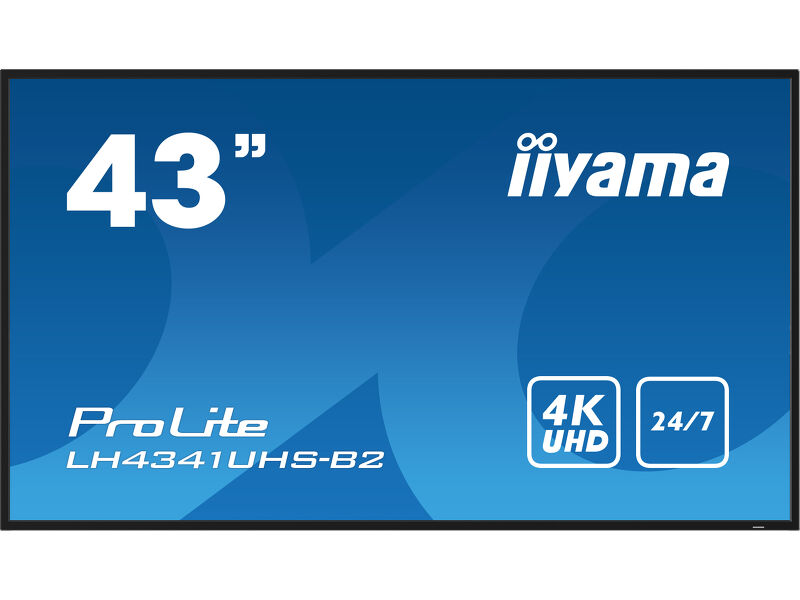 View on Amazon ↗
43″ · LH4341UHS-B2
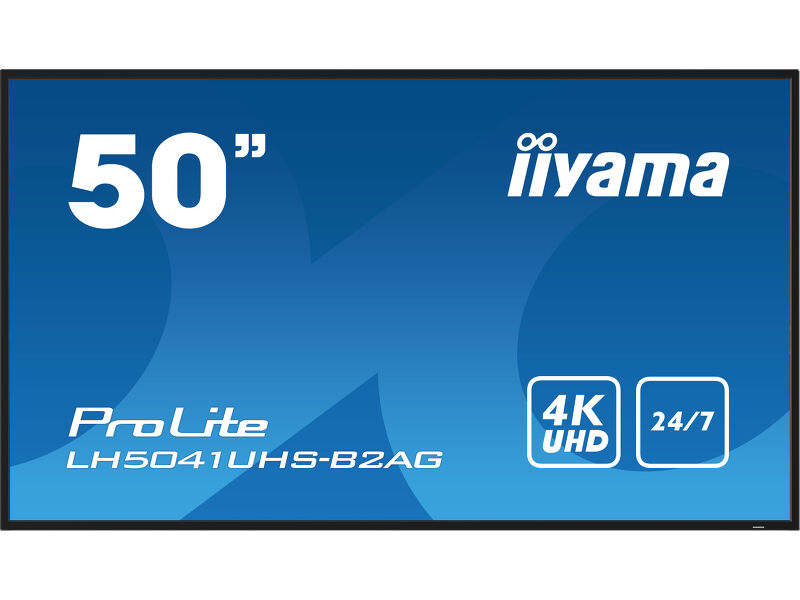 View on Amazon ↗
50″ · LH5041UHS-B2AG
Shortlist a complete screen and player combination
The iiyama LH41 models covered on this site are candidates to investigate for indoor menu positions. They are not automatic recommendations for every café. A window-facing position, a cramped mounting area or a requirement for built-in portrait playback can change the shortlist.
Decide how frequently the menu changes. If staff update prices and remove sold-out items during the day, choose a workflow they can use without calling an installer. If you select a content-management service, check its supported players and recurring costs. Do not assume that a network socket on a display means it can run your chosen application.
Plan around the premises
Keep the screen away from positions that conflict with the manufacturer’s environmental or ventilation requirements. The iiyama manual warns against unsuitable heat, moisture and poor ventilation; the installer needs the exact location and model rather than a generic request to fit a TV.
Agree where power, signal cables and the player will go, and how they can be reached for maintenance. If the display must stay visible during an outage or update, decide on a temporary alternative. Keeping a simple printed menu available is a practical operational choice, not a substitute for fixing the system.
Same display. A different content brief.
View on Amazon ↗43″ · LH4341UHS-B2
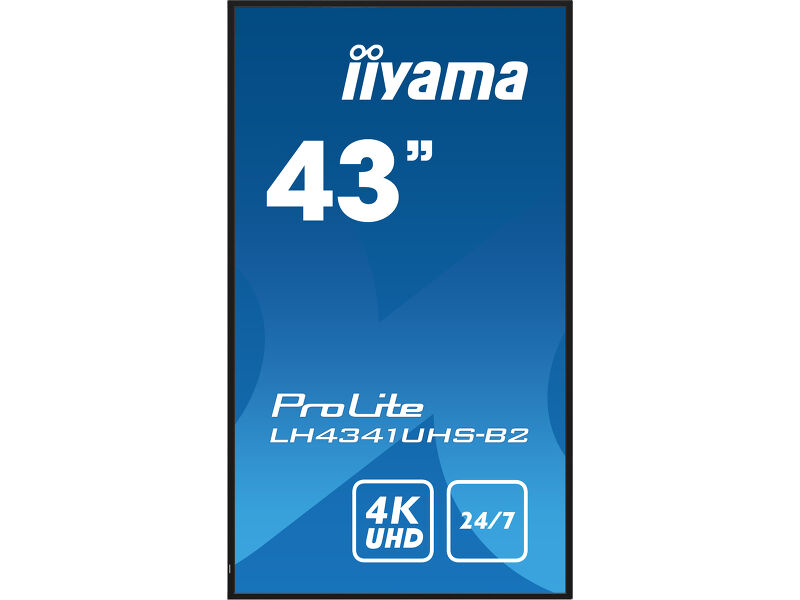 View on Amazon ↗
43″ · Portrait installation
Run a small acceptance check
Before considering the installation finished, show the busiest menu layout, change one price, switch between the planned menus and restart the equipment. Ask the staff member who will maintain it to perform those tasks. Record the account owner, source settings and support contact somewhere the business can access.
Judge the result by whether people can find the information and staff can maintain it. A screen that advertises many capabilities is not necessarily easier to operate. For the first installation, a well-understood workflow is a better starting point than an ambitious design that nobody owns.
- Confirm the full screen model and orientation.
- Check content readability from the queue.
- Price the mount, player, software and installation together.
- Agree who maintains the menu after launch.
Sources and review basis
Product facts come from the sources below. Application suggestions and buying checks are our editorial judgement. We have not carried out hands-on tests or measured these displays.