
Consider the 55-inch LH41 when the content needs more physical area and the installation can accommodate it. Its size does not remove the need to simplify the layout or check portrait playback.
Published specifications
| Specification | LH5541UHS-B2 |
|---|---|
| Size | 55″ class |
| Panel / surface | IPS · 1% haze |
| Resolution | 3840 × 2160 |
| Brightness | 500 cd/m² |
| Rated operation | 24/7 |
| Orientation | Landscape / portrait |
| Built-in playback | Pivot not supported |
| Cabinet W × H × D | 1237.5 × 710 × 55 mm |
| Weight (unboxed) | 14.3 kg |
| VESA | 400 × 400 mm |
Start with what people need to read
The first reason to choose a larger screen should be the message and viewing position. A reception directory with several destinations may need more room than a single welcome message. A menu above a wide counter may need to be readable from more than one queue position. Test those situations with a representative layout before committing.
This is a specification-based assessment of the LH5541UHS-B2, not a hands-on review. We have not measured the panel or installed it at a customer site. The useful judgement we can offer is how the published characteristics fit a buying brief and which questions they leave open.
What the published specification gives you
iiyama specifies a 4K IPS display in the 55-inch class, with 500 cd/m² brightness and a 24/7 operating rating. Portrait and landscape installation are both listed. These characteristics put it on the shortlist for indoor signage that needs long operating hours.
The cabinet is listed at 1237.5 × 710 × 55 mm and the unboxed weight at 14.3 kg, with a 400 × 400 mm VESA pattern. Check those details against the proposed bracket and wall. A screen-size label on a bracket is not a substitute for checking its load, mounting pattern and installation restrictions.
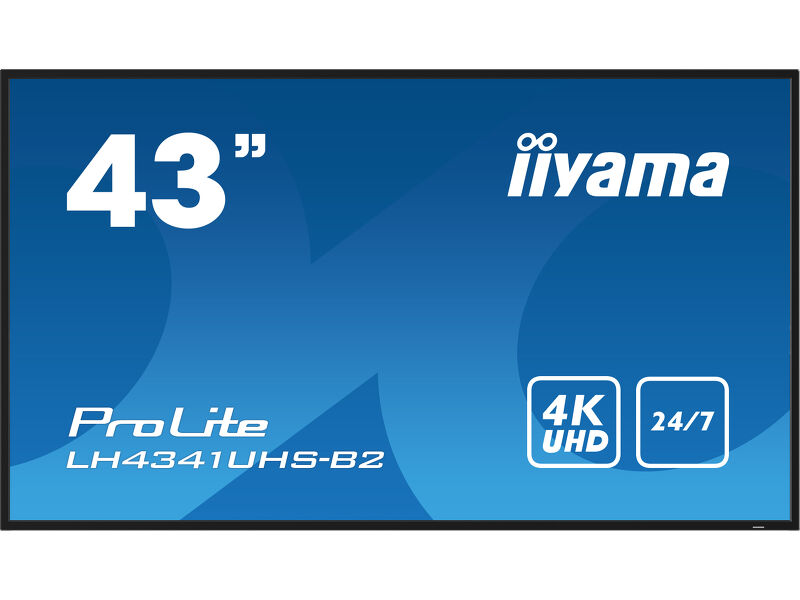
43″ or 55″? Start with the viewing position.
 View on Amazon ↗
43″ · LH4341UHS-B2
 View on Amazon ↗
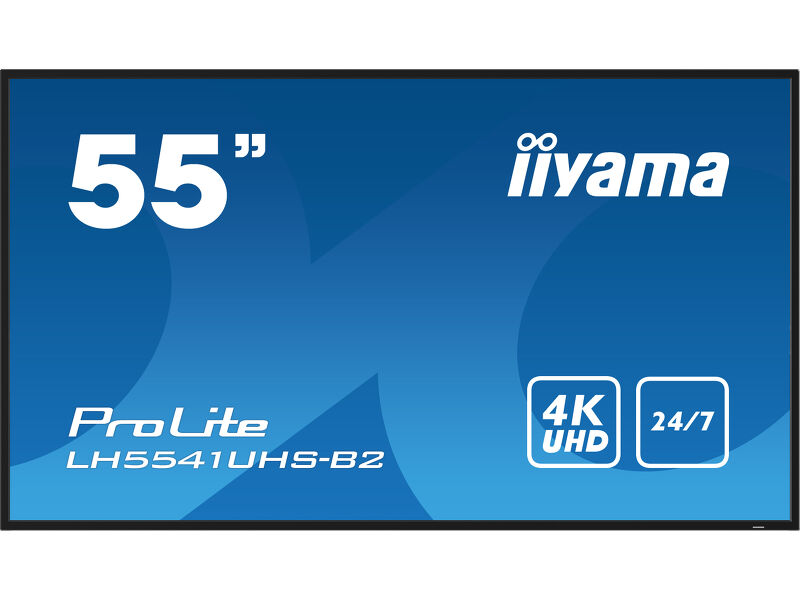
55″ · LH5541UHS-B2
More screen area still needs a disciplined layout
Buying a larger panel is not permission to put the whole website on it. Decide which information a visitor must take away after a brief glance. Give that information more space than secondary messages, and avoid constantly moving content where people need time to read.
Our recommendation is to prepare an ordinary busy-day example, not a beautifully sparse demonstration slide. For a menu, include the longest real item name. For a reception, include the longest destination or visitor instruction. Check it from the furthest intended viewing position and from the side.
Portrait mode and player planning
As with the smaller LH41 models covered here, the built-in media playback specification excludes pivot. A portrait installation therefore needs a verified content-source plan. Do not assume that rotating the cabinet will rotate every input or make an existing landscape design suitable.
Ask the person supplying the player to show the correct startup source and orientation after a power cycle. Keep the content files and configuration available to whoever will maintain the display. A working demonstration of the entire chain is stronger evidence than separate assurances about the screen and the software.
Look beyond the extra five inches.
 View on Amazon ↗
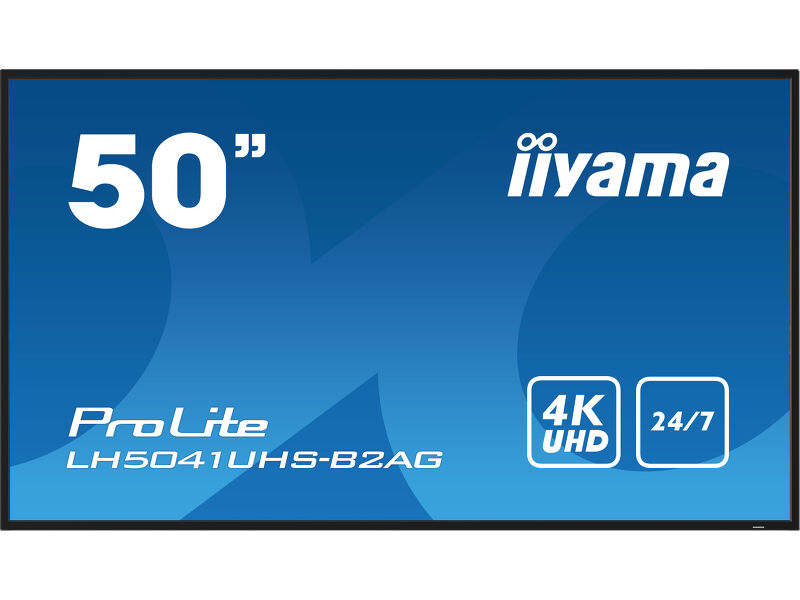
50″ · LH5041UHS-B2AG
View on Amazon ↗55″ · LH5541UHS-B2
Our buying judgement
We would shortlist the LH5541UHS-B2 for a larger indoor information or menu position where the 43-inch option leaves important text too small. We would also check the 50-inch B2AG separately, because its published panel and surface specification differ.
We would choose another approach if the job requires direct-sun window operation, touch interaction or an integrated signage platform that this model has not been shown to support. Final selection should follow the actual content, mounting requirements and current seller offer, rather than size alone.
Sources and review basis
Product facts come from the sources below. Application suggestions and buying checks are our editorial judgement. We have not carried out hands-on tests or measured these displays.