
Worth shortlisting for indoor information screens and menu boards, particularly when you already have an external player. Portrait mounting is supported, but the built-in player is not listed for portrait playback.
Published specifications
| Specification | LH4341UHS-B2 |
|---|---|
| Size | 43″ class |
| Panel / surface | IPS · 1% haze |
| Resolution | 3840 × 2160 |
| Brightness | 500 cd/m² |
| Rated operation | 24/7 |
| Orientation | Landscape / portrait |
| Built-in playback | Pivot not supported |
| Cabinet W × H × D | 968 × 557.5 × 54 mm |
| Weight (unboxed) | 8.9 kg |
| VESA | 200 × 200 mm |
What you are buying
The LH4341UHS-B2 is a commercial display in the 43-inch size class. The attraction is a fairly straightforward brief: show business content for long opening hours, with a choice of mounting orientation. It deserves consideration for an indoor reception, information point or compact menu board. That is a shortlist recommendation based on the published specification, not a claim that we have measured its picture quality or tested it over time.
iiyama specifies a 4K IPS panel, 500 cd/m² brightness and 24/7 operation. Those facts help define the application. They do not establish whether your smallest text is readable from the queue, or whether reflections from a nearby entrance will obscure it. Before choosing the screen, decide what must be read and where the reader will stand.
The portrait detail that changes the setup
The manufacturer supports landscape and portrait installation but separately states that media playback is not supported in pivot. Treat those as two different capabilities. A vertically mounted screen can still need a separate source to deliver a correctly oriented picture.
If you already use a signage player, ask its supplier to confirm the intended resolution, portrait output and restart behaviour. If the purchase plan is simply to insert a USB stick and display a tall menu, resolve that workflow before ordering. The word portrait in a product title is not enough evidence for the complete setup.
Same display. A different content brief.
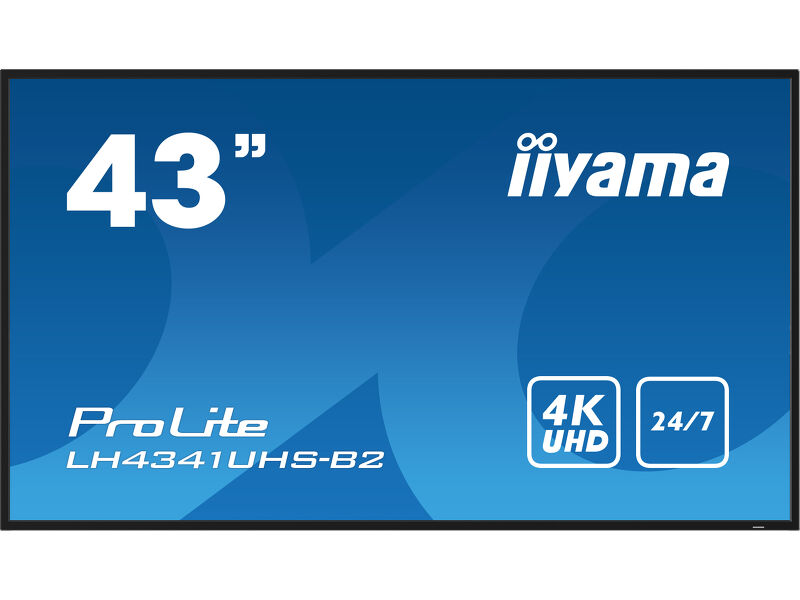 View on Amazon ↗
43″ · LH4341UHS-B2
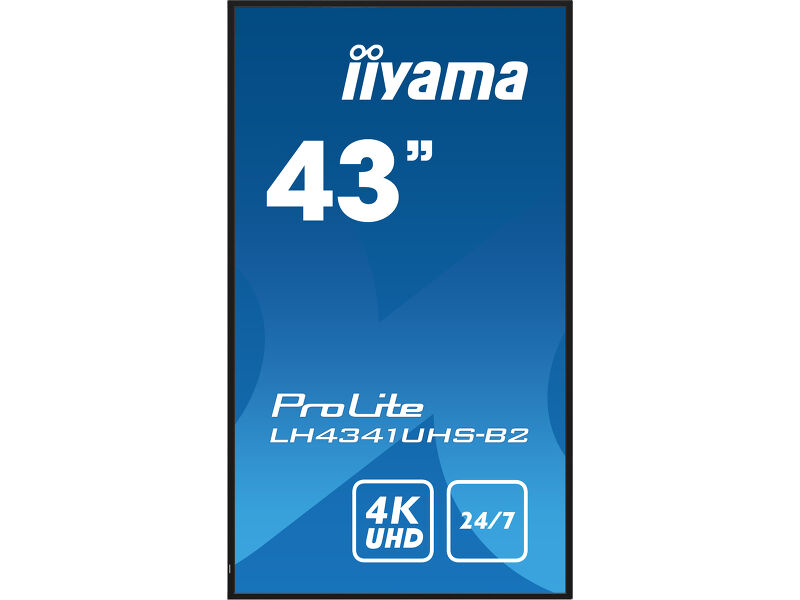 View on Amazon ↗
43″ · Portrait installation
Check the wall and the source together
The specified VESA pattern is 200 × 200 mm and the display weighs 8.9 kg without its box. Match the bracket to the exact display and installation, including orientation and cable access. Use the manufacturer’s installation instructions and a suitable installer rather than assuming any bracket advertised for 43-inch televisions will do.
A source that is difficult to reach can become an everyday annoyance. Plan where the player, power supply and network connection will sit, and how someone will restart or replace them. For a small business, a simple documented recovery process can matter more than a feature that is rarely used.
When we would look at something else
We would not specify this from its brightness number alone for a sun-facing shop window. That is a different environment and needs its own assessment. We would also compare other models if integrated remote content management is essential to the project.
For example, iiyama lists Android 14 and iiSignage² on the LH4364UHS-B1AG. That makes it worth investigating when the screen itself is expected to host the signage system; it does not prove compatibility with every third-party app. Ask for the exact supported workflow.
43″ or 55″? Start with the viewing position.
View on Amazon ↗43″ · LH4341UHS-B2
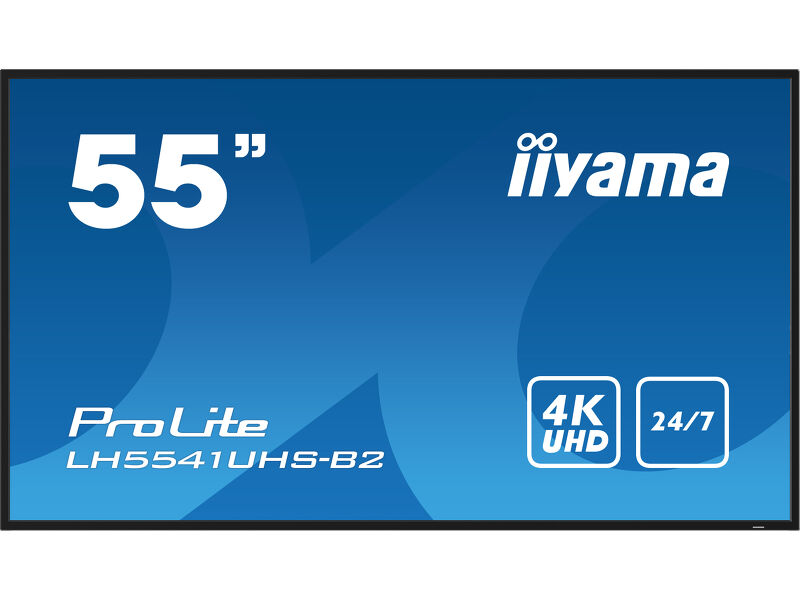 View on Amazon ↗
55″ · LH5541UHS-B2
Our buying judgement
Shortlist the LH4341UHS-B2 when a compact indoor display and a known content source fit the job. Spend the next part of the budget and planning time on the player, mount and content layout. We would choose the larger versions only where a sample layout and the viewing position justify the extra area.
- Confirm the exact B2 model on the offer and order confirmation.
- Demonstrate portrait playback with the planned source before installation.
- Check the seller, delivery arrangements and current warranty terms.
- Keep a copy of the working source and display settings.
Sources and review basis
Product facts come from the sources below. Application suggestions and buying checks are our editorial judgement. We have not carried out hands-on tests or measured these displays.