
Choose against the exact operating requirements. Hours, permitted orientation, playback and control are separate checks; the word commercial does not guarantee every capability.
Write down the actual job
A television showing occasional presentations and a display running a menu throughout long opening hours face different requirements. Start with the daily schedule, mounting orientation and content source. Include what should happen when the equipment starts each morning and who controls it.
We would not reject or select a product simply because a retailer calls it a TV or a commercial screen. Ask for evidence against the job. If the proposed equipment cannot be shown to support the required operation or installation, it should not remain on the shortlist.
Read the operating-hours rating precisely
A rating expressed as 16/7 describes a daily operating schedule across seven days, while 24/7 indicates continuous operation. Follow the exact model’s restrictions and guidance. A rating is not a guarantee that a panel will last a stated number of years or that the entire signage service will never stop.
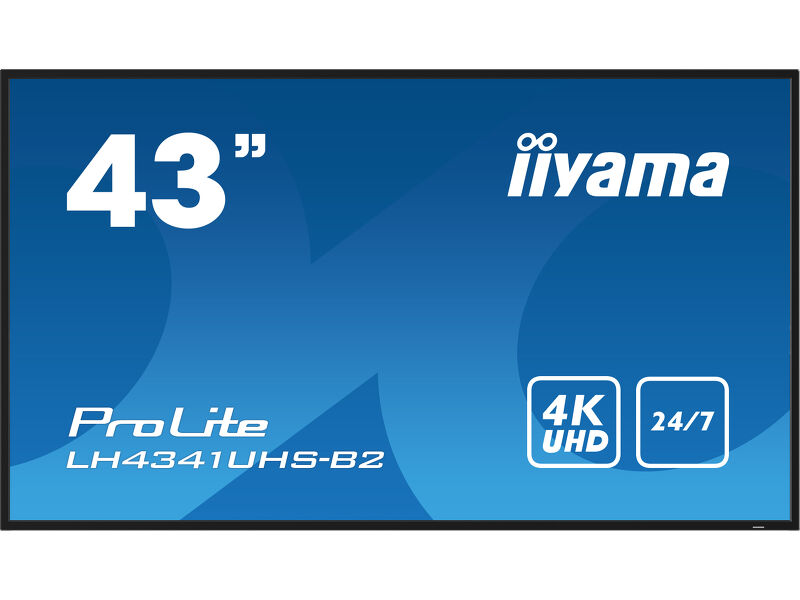
In the iiyama family covered here, the LH41 product specifications state 24/7. The shared manual distinguishes the LE4341S, which has a shorter recommended schedule. That makes the full model code important: similar names do not establish identical operating limits.
Read the exact operating specification.
 View on Amazon ↗
43″ · LH4341UHS-B2
Separate panel features from player features
A display with HDMI can accept a source, but that does not mean it contains the software you intend to use. Similarly, a network port may be for control rather than the content-management workflow you have in mind. Identify the source and verify the complete path.
Philips describes Android-based software on its Signage 5000 Series, while the LH41 models discussed here have a more basic playback proposition. These are different implementation choices. We would compare what the business needs to do, rather than count features that will remain unused.
Same display. A different content brief.
View on Amazon ↗43″ · LH4341UHS-B2
 View on Amazon ↗
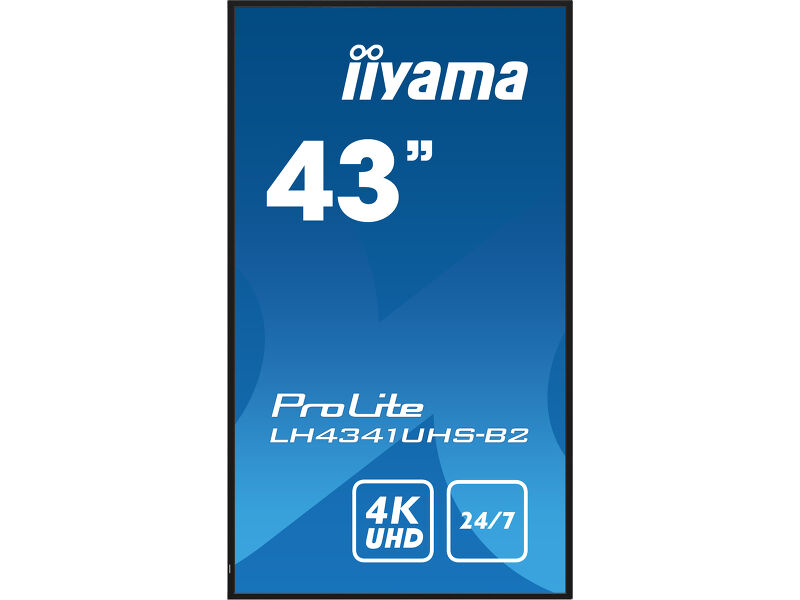
43″ · Portrait installation
Check the recovery routine
Our suggested comparison test is to turn the proposed setup off, start it again and see whether it reaches the correct content without a sequence of remote-control commands. Check what happens when the player restarts or the input temporarily disappears. Do not assume these behaviours from a product category label.
Document the successful settings. Decide whether staff need to change inputs or whether the controls should remain restricted. A screen in a public position has a different operating pattern from a household TV, and those everyday details can make the larger difference after installation.
Buy the supported use case
Ask for the current warranty terms that apply to the exact product, country and intended use. Do not assume that commercial use is always excluded from a TV warranty or that every professional display has the same cover. The wording needs checking rather than repeating a general rule.
Our preference is for a display whose published capabilities match the operating brief with a simple, proven player arrangement. Compare the entire cost and maintenance plan. A lower purchase price is useful only if the product can do the required job without creating an ongoing workaround.
- Confirm the complete model code and daily schedule.
- Check permitted physical orientation.
- Verify the player, software and startup behaviour.
- Read current warranty and installation terms for the intended use.
Sources and review basis
Product facts come from the sources below. Application suggestions and buying checks are our editorial judgement. We have not carried out hands-on tests or measured these displays.